At 9 p.m., a forced-door alarm goes off at a high school while a late event winds down. The building manager’s phone buzzes with a one-line alert. Seeing who opened the door means logging into the camera app. Checking whether that door was supposed to be unlocked means opening a separate access log. Every extra login is more time, during which nobody knows if it’s a custodian or a stranger.
Integrated security puts cameras and door controls on one platform. One system triggers sends you an alert with a video clip attached and lets you lock the doors from the same screen. Keep reading to see how this leads to more effective emergency responses.
Lockdown Starts With One Action
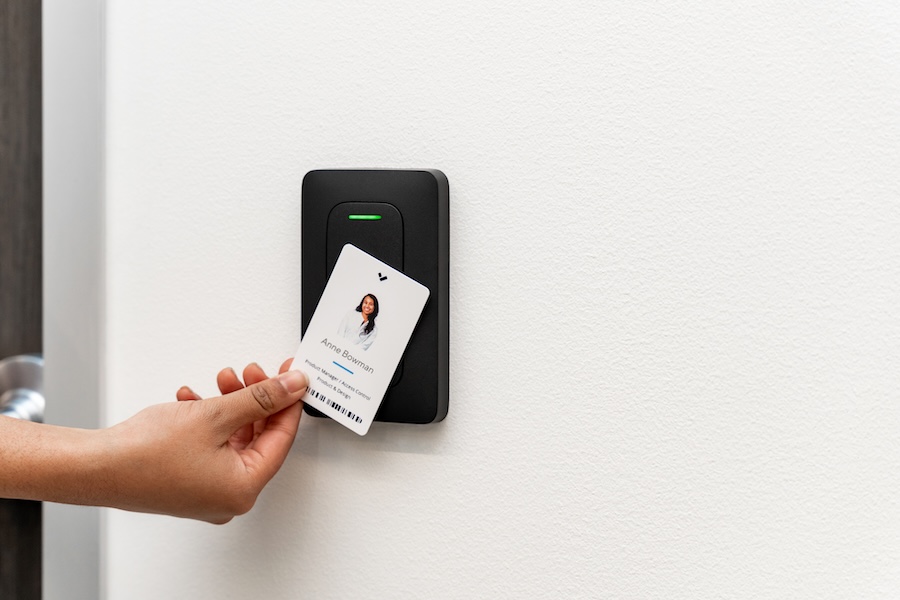
When there’s an active threat, having someone walk the building to secure doors one by one puts people at risk. With Verkada Access Control, one button or trigger automatically closes all doors.
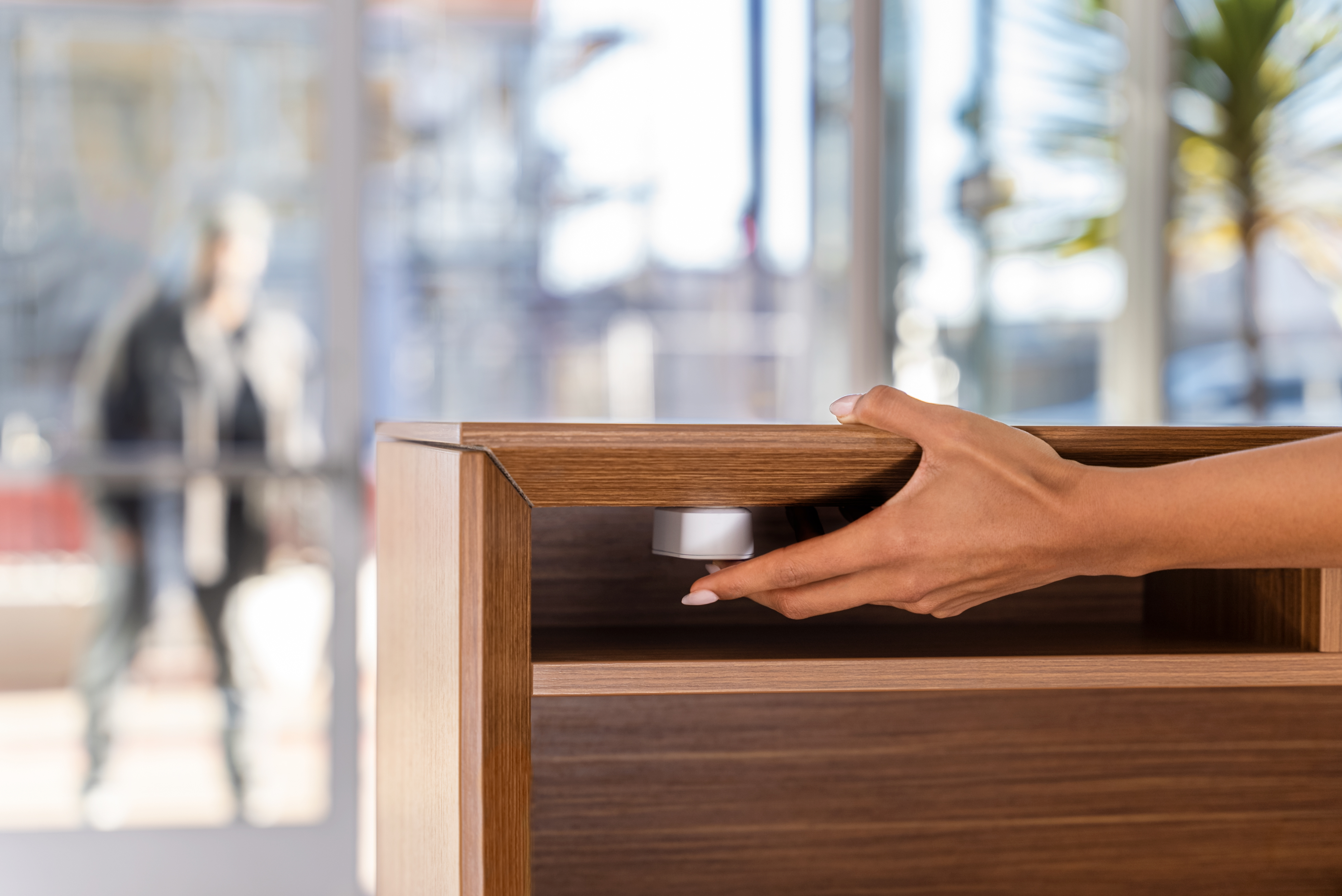
Administrators build response scenarios ahead of time. They’re modeled on the Standard Response Protocol, a framework used by schools and workplaces. Each scenario covers a different situation, from lockdown to shelter-in-place. You choose which doors lock or unlock remotely without manual intervention. You also choose who can start or release it from a Command dashboard or mobile app. A wired panic button near the front desk works too.
The scenario allows for a coordinated response: doors all close, admins get automatic alerts by test and email, and mass notification systems send instructions for evacuation if needed.
Live Video Confirms What Is Happening
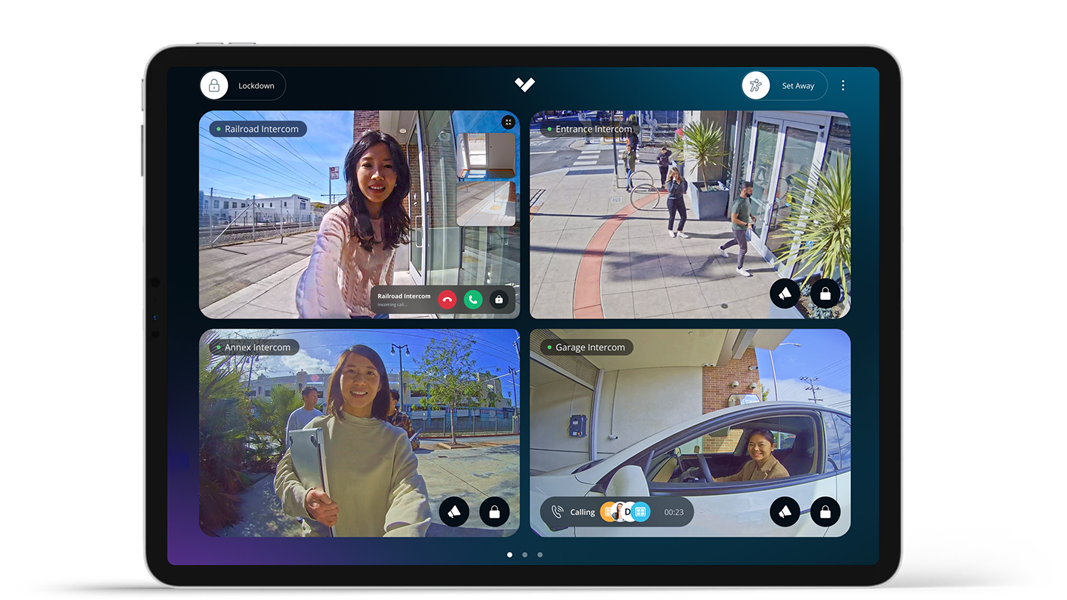
Simply tripping an alarm isn’t useful if no one knows what caused it. Verkada Alarms adds 24/7 professional monitoring with live video verification. When an alarm goes off, a clip gets recorded at the point of activation. A trained agent reviews that clip to see if it's a false alarm or a real threat. If a delivery driver sets off a sensor, the agent dismisses it. If an intruder is on camera, the agent notifies your contacts and can request police dispatch to your location.
Verification matters because false alarms pull staff and responders away from real problems. Any camera or door event can be configured to trigger an alarm, and you can choose the nearby cameras for video verification in Command. The alarm can trigger a lockdown scenario or sound a siren without anyone having to take any action. Afterward, your team reviews the full timeline, including video and every response, in one place.
Remote Control Reaches Every Location
Responders lose time at locked doors, and a lockdown makes that worse. From a phone or computer, an administrator can unlock the one entrance police or paramedics need. Every other door stays locked. Responders can also receive floor plans and live camera views, so they know which hallway to take before they step inside.
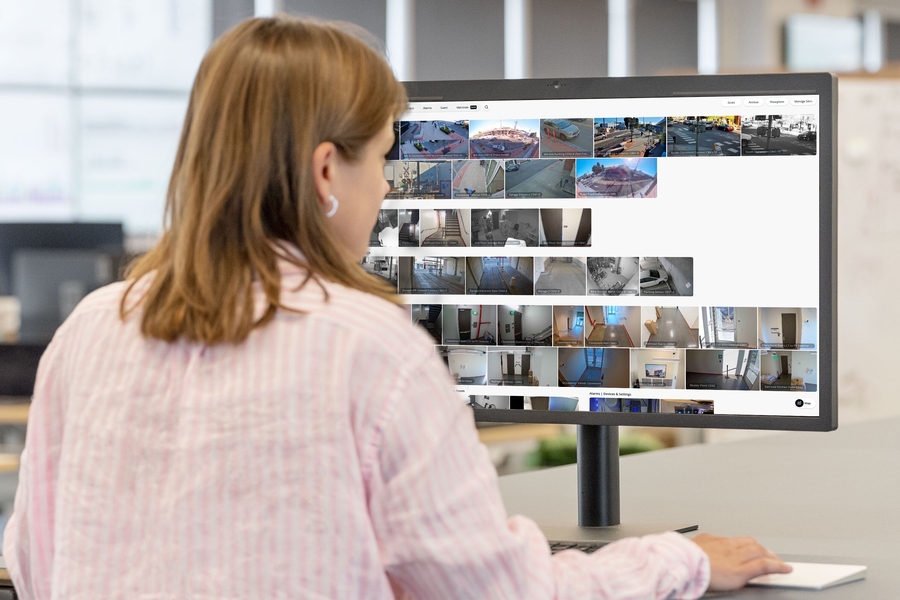
The same controls work across every location. A scenario can cover one door or an entire site, and you can copy an existing one to another location instead of building from scratch. A security director who oversees several facilities can view all of them on a single screen. A log shows who unlocked which door and when. For IT managers, that means fewer separate systems to maintain and fewer logins to track. ASAP designs and supports integrated security for facilities in Houston and across Texas.
For more conversations on commercial security, visit the ASAP Security Services podcast.
Test Your Emergency Plan Before You Need It
ASAP Security Services walks through your facility and reviews the hardware already on site, from door controllers to cameras. We then recommend a plan that fits your building and budget, so you see how lockdown and video verification would work together. Our technicians handle installation and long-term support. Contact our team here or send us a live chat below to schedule your security assessment.