Most businesses add a camera here, and an access reader there as problems arise, rather than working from a real plan for scaling their security systems. With this approach, your team is always scrambling when a new location opens up or when there are changes in personnel. All while trying to make sure your security system continues to meet compliance requirements.
At that point, many discover their existing hardware cannot scale without a costly rebuild, and the fix ends up costing more than planning ahead would have. Before you sign off on your next expansion or upgrade, it is worth stepping back to evaluate what you already have and where your business is headed.
Here is what commercial and school security leaders should look at first.
Take Stock of What You Already Have
Before adding a single device, take an honest inventory of your current setup with the following checklist:
- How old is your video surveillance?
- Can it communicate with your access control panels, or is each system siloed on its own network with its own login?
- Count your cameras, doors, and controllers, and check which are still under warranty and which are running outdated firmware.
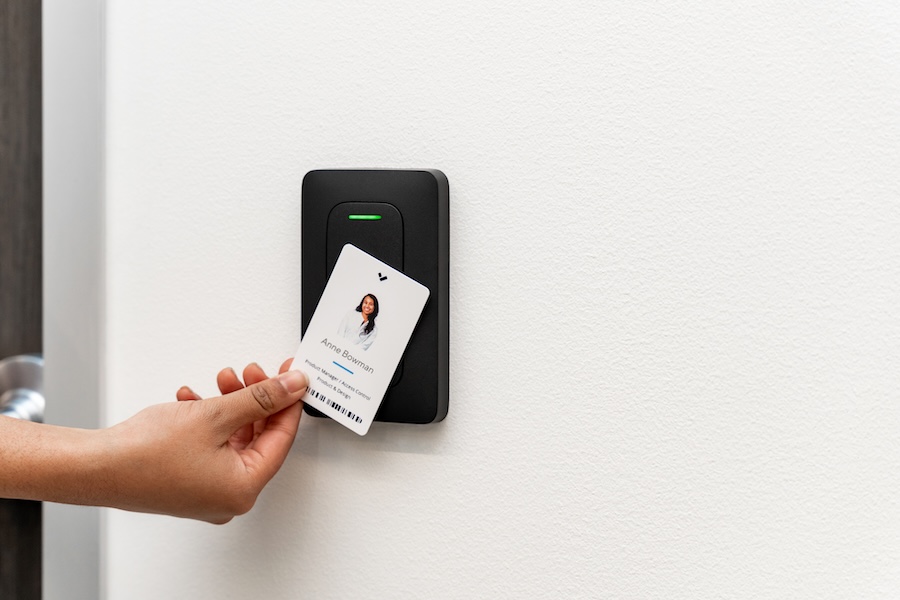
- Do you have an easy way to add or revoke access to your property?
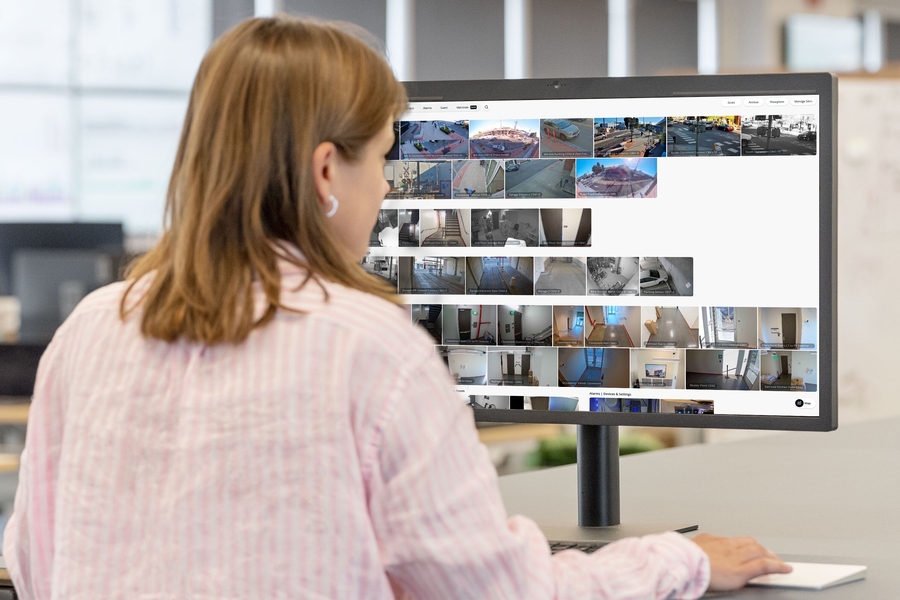
Facilities that grew through an add-as-you-go approach often end up running different camera brands and firmware versions across every site, none of which report through the same dashboard.
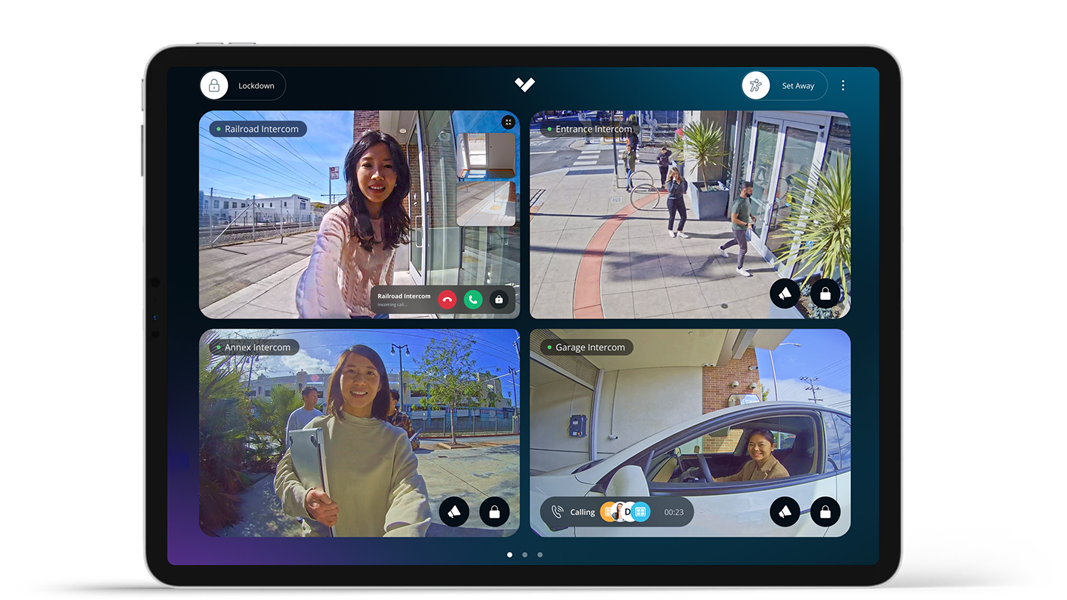
A platform like Verkada consolidates cameras, access control, and alarms into one interface. This makes auditing easier, since every device reports through the same system. If your current setup doesn’t have that visibility, your first move should be a platform change instead of adding hardware.
Map Out Where Your Business Is Headed
Security decisions made today should account for where your business will be in two or three years, not just where it stands right now. Are you opening a second location? Adding shifts that change who needs access and when? Planning for a larger student population or additional buildings on campus? For schools in particular, growth often brings new compliance and audit requirements regarding who can access which building and when.
Each of those changes affects camera coverage and the number of users your access control platform needs to support. Building this into your planning early prevents the scramble that happens when growth outpaces your system's capacity. It gives your integrator time to design a security system that grows with you and your expected goals.
Choose Hardware That Won't Need Replacing
The biggest expansion costs usually come from replacing equipment that cannot grow with your business. Proprietary systems that only work with one manufacturer's hardware force an all-or-nothing upgrade every time you outgrow them.
Cloud-managed platforms often scale using software rather than new hardware. Adding a new building, door, or camera becomes a matter of licensing rather than ripping out what is already installed. Open, API-based platforms also make it easier to phase in new locations one at a time instead of committing to a full rebuild at once. When evaluating new hardware, ask directly if it can scale to accommodate new needs or features.
With an honest audit, a clear growth plan, and hardware built to scale, your next addition builds on what you already have instead of replacing it. If you are weighing an upgrade or expansion, our team can walk through your current setup and map out where it needs to go next, with no pressure to rebuild anything that is still working. You can also hear us talk through real security decisions on our podcast.