Most security budgets go toward keeping intruders off the property, not out of the network. But today, cyber threats are just as dangerous as physical ones. A camera left on its default password, an access control panel running outdated firmware, or a vendor logging in through an unsecured connection all open the same kind of door to bad actors. Unlike a physical door left ajar, it’s not as easy to notice the exposure and immediately resolve it. That’s why cybersecurity isn’t optional anymore. It’s as important as your physical security.
Introduce Stronger Password Protocols
Someone trying to break into your business always looks for the easiest way in. The equivalent of an unlocked door in the cybersecurity world is an easy to decipher password. The first mistake is sticking with the default passwords on your equipment. Default logins on cameras, NVRs, and control panels are published in manuals and forums, and are easy for hackers to find. Shared logins are another big risk. When five techs and two vendors all use the same credential, there's no way to know who logged in or when access should have been revoked.
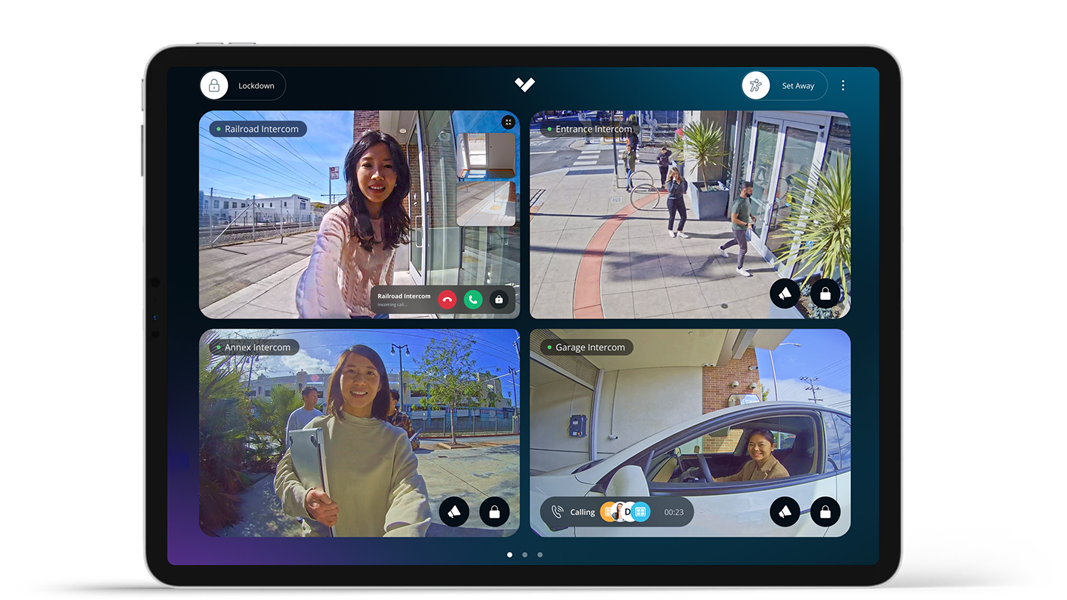
There are some immediate changes you can make. Set a unique login for every user and device, require multi-factor authentication wherever the platform supports it, and remove access immediately when an employee or vendor relationship ends. A cloud-managed platform like Verkada helps you set rules to manage this consistently across properties.
Keep Firmware Updated Automatically
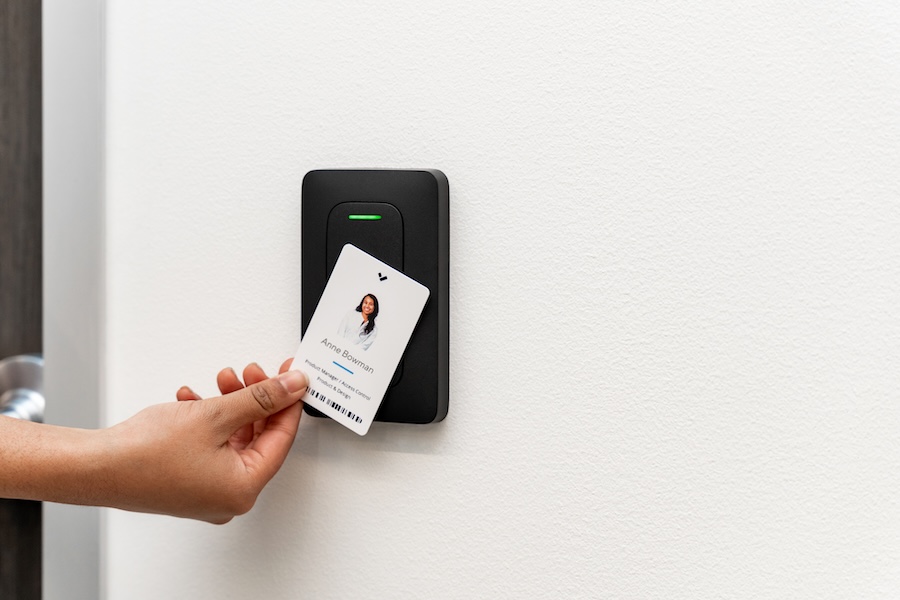
Every camera, access reader, and control panel runs software to support all its features. That software has vulnerabilities that manufacturers patch as they're discovered. A device running firmware from two years ago is operating with two years' worth of known security gaps still open. If you’re relying on manual updates in a facility with dozens of devices spread across multiple sites, you’re setting yourself up for human error.
That’s why we recommend using cloud-based platforms. Verkada lets us push firmware updates automatically in the background, without a technician having to visit every location. If your current system requires someone to manually update each device, you’re opening up your property to unnecessary risk.
Lock Down Remote Access
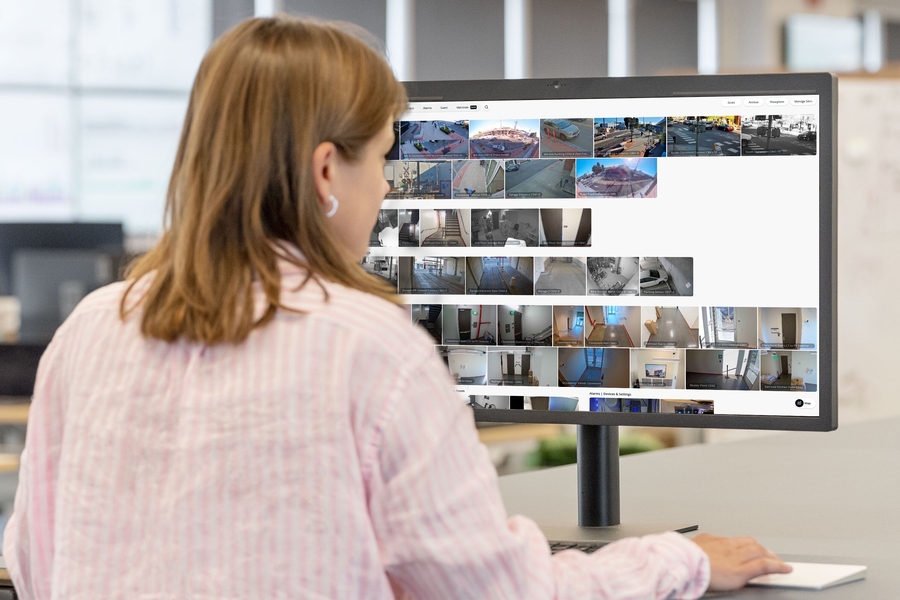
Remote access is one of the most useful features in a modern security system, and one of the most exploited if it isn't set up correctly. The first thing you want to do is centralize remote access through a single platform like Verakda, so there’s only one entry point to secure, rather than one for each device.
Once that initial fortification is in place, there needs to be rules of engagement for anyone using remote access features. There should be no viewing links open to the public without a login requirement. Technicians should never access it through unencrypted Wi-Fi. Instead, we recommend implementing unique security VPNs whenever possible.
Building managers and IT teams overseeing multiple sites should be especially careful here, since a compromised remote session can expose every connected location, not just one.
Segment Your Network So One Breach Doesn't Spread
Security devices shouldn't sit on the same network segment as payroll systems, guest Wi-Fi, or point-of-sale terminals. If they do, a single compromised camera becomes an entry way into your entire business operations.
Network segmentation places your cameras, access control, and alarm systems on their own isolated network, so a breach in one area stays contained rather than spreading across the building. We can help you set up your network segmentation when we install your overall security system with VPNs installed to protect all your vulnerable devices. Especially, as outlined above, any with remote access capabilities.
It’s also important to note that cybersecurity is not a one-and-done endeavor. New vulnerabilities surface constantly. What worked during installation could easily fall behind as attacks evolve over the coming years.
Treat cybersecurity the same way you treat camera maintenance or access credential reviews: as a recurring part of running your security program, not a box to check once. If you're not sure where your current setup stands, we're ready to help. Contact our team to schedule a security assessment and hear more on the topic on our podcast.